Native macOS · lightweight & fast

One IDE. One featherweight download.

Strand is a native, small, fast, efficient IDE

  • Ars
  • C
  • Python
  • C#
  • Free
  • No installer
  • Your files, your machine
≈15 MBdownload — DMG and all
≈170 MBpeak RAM, 10-file session
4IDEs: ARS · C · Python · C#
0Electron, accounts, cloud
Features

Everything an IDE needs,
nothing it doesn't

Every Strand is one small native binary that launches instantly, runs smoothly and sips RAM.

One IDE, language support on demand

Strand is one featherweight IDE. Open an Ars, C, Python or C# file and it offers the matching language support, with the download size up front. Nothing you don't use is installed.

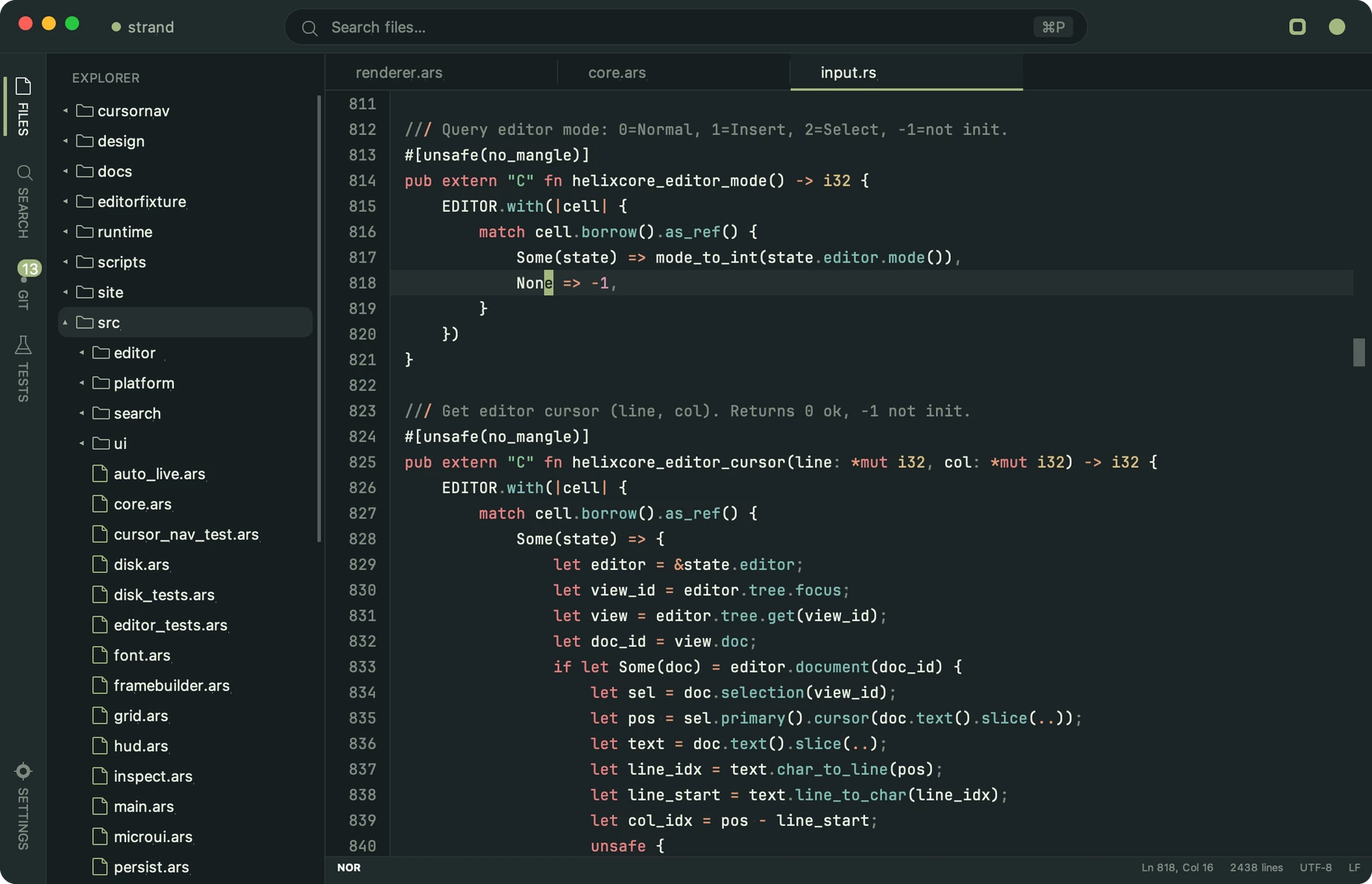
Tree-sitter highlighting

Tree-sitter grammars and queries do the coloring — accurate scope, not regex guesswork.

≈15 MB, door to done

The whole IDE is a ≈15 MB DMG — most editors ship bigger updates. Drag to Applications, open, code: grammars staged inside, no installer, no dependencies.

Your RAMpocalypse tool

Modern editors treat RAM as an all-you-can-eat buffet. Strand finishes a 10-file session — searches, scroll stress and all — peaking around 170 MB.

Built to feel instant

A native Metal renderer locked to your display, frame-times profiled and hot paths shaved — with an e2e harness that reports FPS/RAM timelines on every heavy session.

A project-aware shell

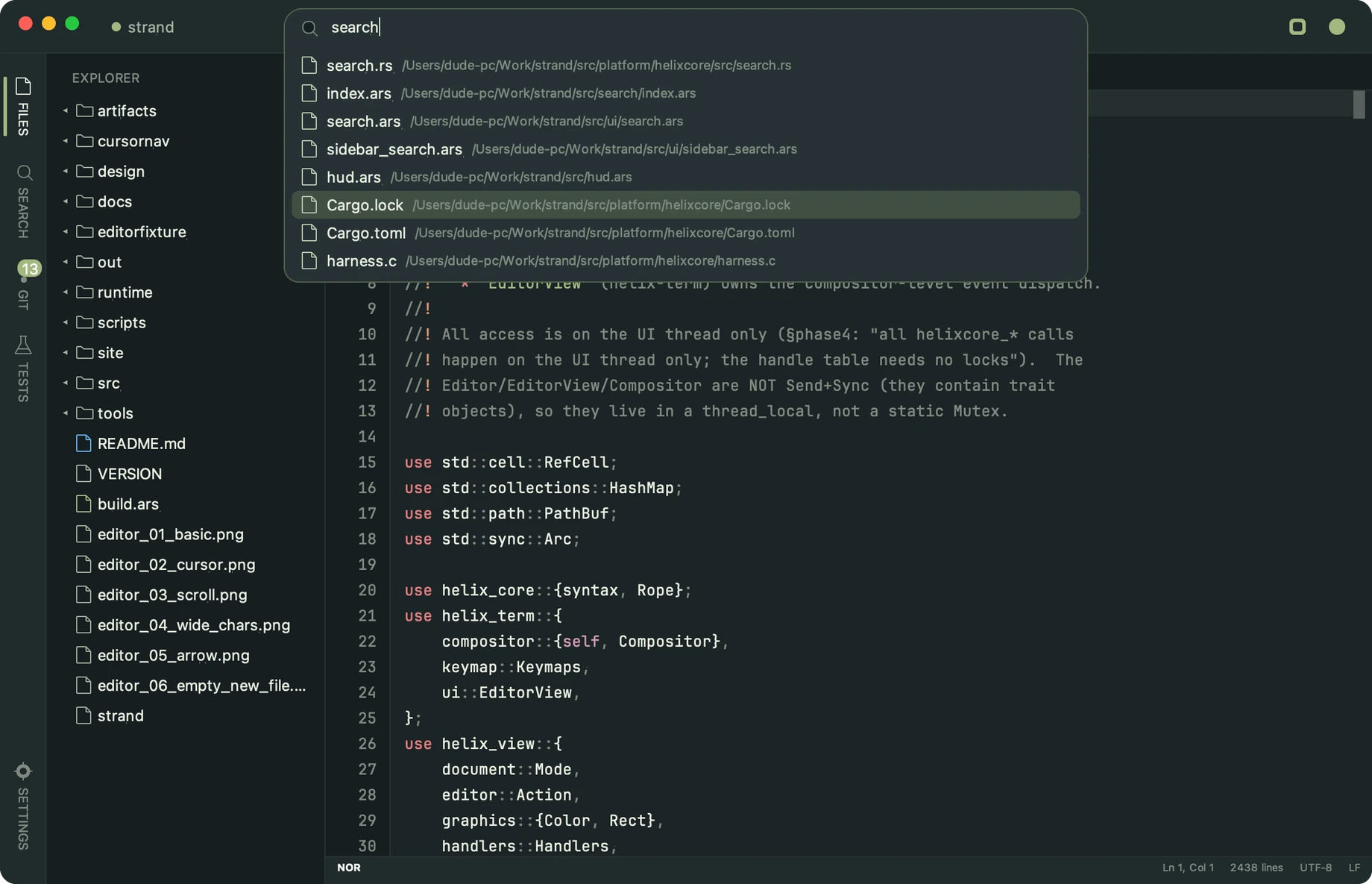
File-tree sidebar with live git status marks, per-project tab strips, a ⌘P quick-open palette that jumps anywhere, project search and a test runner panel — the full IDE, without the weight.

One platform, done right

A native macOS app today — Cocoa and Metal, no emulation layers. Windows and Linux arrive when their platform bridges land.

Workflow

From open to shipped,
all in one window

Strand is built around the loop you already run: open the project, drive the buffer from the keyboard, and let the rails — git marks, search, tests — keep pace without ever leaving the window.

  1. 1

    Open

    Point strand at a folder; the project switcher remembers it. ⌘P jumps to any file in milliseconds.

  2. 2

    Edit

    Keyboard-first editing, multiple selections, tree-sitter feedback as you type — the buffer keeps up with you.

  3. 3

    Ship

    Git status marks live in the gutter and sidebar; the test runner panel reports without leaving the editor.

Download

Get Strand

One small download. Open a file and Strand offers the language support it needs, with the size up front. Free, entirely on your machine, never phones home.

Build from source

macOS with the Ars toolchain + Rust

Clone the repo and let the bundle script do the rest — it builds the engine and wraps a signed bundle:

Needs ars and cargo on PATH; the Rust editing-core build is content-hash cached between runs.
Local-first, always

strand is an offline native app: your projects stay on your disk, there's no account, no sync service and no telemetry. Uninstalling the app never touches a line of your code.

Windows preview

Paste into PowerShell. It downloads the latest installer, clears the SmartScreen mark and launches the installer (per-user, no admin).

$u = 'https://pub-682aebed64a04c5b8098b9010501eb90.r2.dev'
$f = (irm "$u/latest-windows.json").files.strand
$p = "$env:TEMP\$f"
$ProgressPreference = 'SilentlyContinue'
iwr "$u/$f" -OutFile $p
Unblock-File $p
Start-Process $p -Wait